YT Symmetrizer (Plugin for Zbrush)
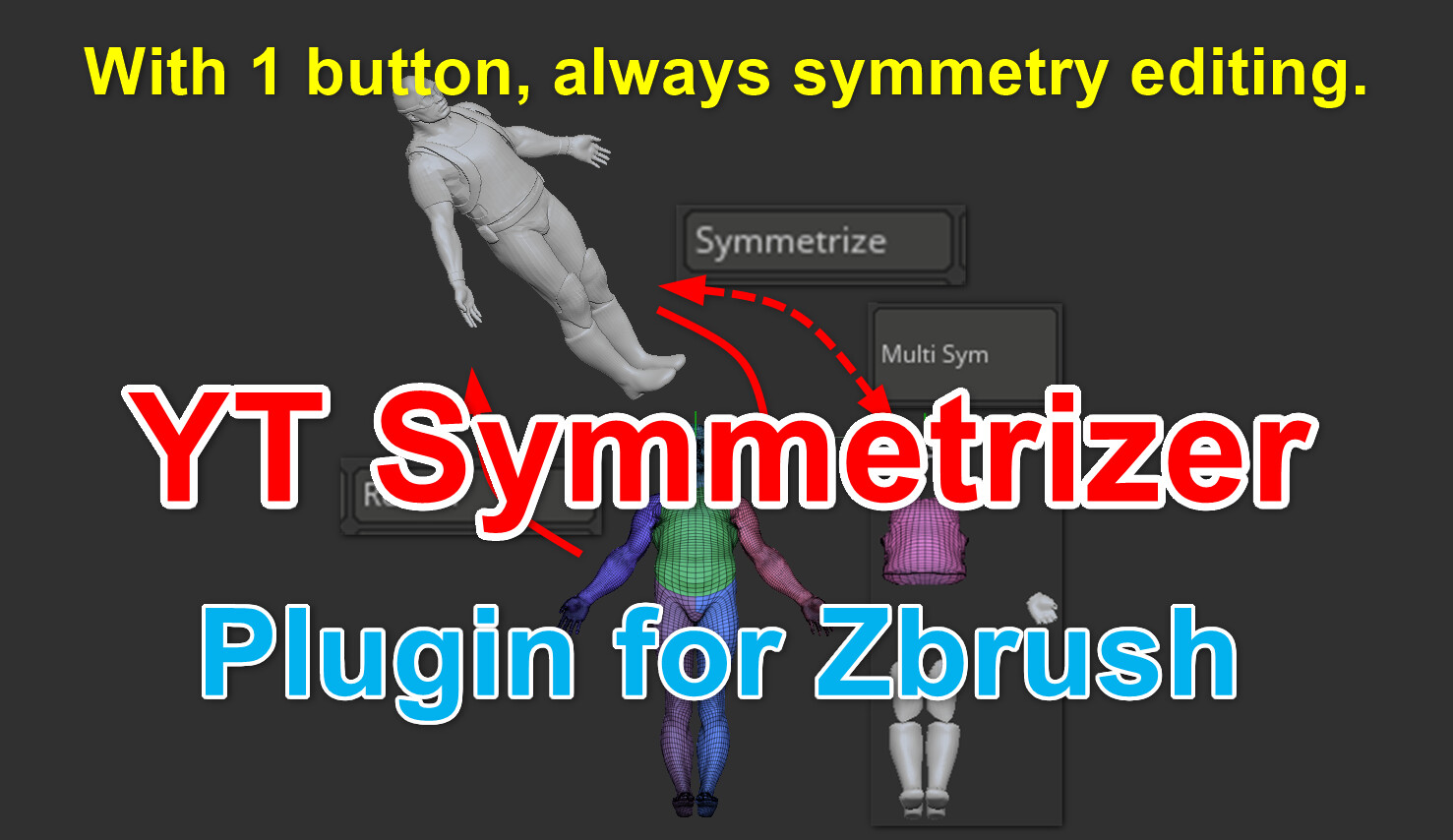
YT Symmetrizer is a Zbrush plugin that allows you to move an object to a symmetrical position with a simple operation.
For details, please check the description on YouTube.
Info
2021/08/26
The trial version is no longer available.
2021/07/01
The Trial version is being released for free on Gumroad. Please read the descriptions on YouTube for the Gumroad URL.
With 1 button, always symmetry editing on Zbrush.
It's very simple operations.
1. Draw a transpose line on a mesh.
2. Just click the Symmetrize button.
3. (Let's sculpt or edit symmetrically.)
4. Just click the Return button.
That's all. Watch this video below.
Introduction video https://youtu.be/vtDUFM5tSRM
1 minute 25 seconds
How to use video https://youtu.be/O5oUWCwEMLA
20 minutes 47 seconds
This video is very long so please watch it in full screen on YouTube.
Pro version is recommended
Pro version has no restriction features implemented.
You can use all the features without any restrictions by the Pro version.
To use the Pro version, you must purchase all three products: (A) Basic version, (B) Standard version, and (C) Pro version.
Differences between each versions
----------------------------------------------------------------------------------------------------
Trial version
Included features
・ None
Limited number of trials up to 2 times (only 2 round trips while Zbrush is running)
・ Symmetrize
・ Return
・ All features will be unavailable at the 3rd symmetrizing
・ Up to 2 round trips can be available again by restarting Zbrush
----------------------------------------------------------------------------------------------------
Basic version
Included features
・ Symmetrize
・ Return
・ Call Gizmo
Limited number of trials for all the Standard features up to 3 times
・ Offset features
・ Quick Draw
・ Quick Repeat
・ End of trials at the 4th symmetrizing from the first time
----------------------------------------------------------------------------------------------------
Standard version
To use the Standard version, you must purchase two products: (A) Basic and (B) Standard version.
( If you are using the (A) Basic version, you only need to purchase the (B) standard version. )
Included features
・ Offset features
・ Quick Draw
・ Quick Repeat
Limited number of trials for all Pro features up to 3 times
・ Rotational movement of multiple sub tools
・ Buttons to rotate and move with mouse hover
・ Stop all the symmetrizing features at the 4th continuous rotation movement to other sub tools
----------------------------------------------------------------------------------------------------
Pro version
To use the Pro version, you must purchase all three products: (A) Basic, (B) Standard, and (C) Pro version.
( If you are using the (B) Standard version, you only need to purchase the (C) Pro version. )
Included features
・ Rotational movement of multiple sub tools
・ Buttons to rotate and move with mouse hover
----------------------------------------------------------------------------------------------------
Trial version restrictions
You can move a mesh to a symmetrical position up to 2 times while Zbrush is running. On the third move, a warning dialog will appear and all the function will stop.
However, you can use it up to 2 times again by restarting Zbrush.
Basic version restrictions
A mesh can be freely moved to a symmetry position as many times as you like.
You can try out the standard features from the start of Zbrush to the 3 round trips to the symmetrical position. On the 4th symmetry move, a warning dialog will appear and the standard version features will be locked.
(The feature of the moving to the symmetrical position can still be available freely after being locked them.)
By restarting Zbrush, you can try the features of the standard version again within the first 3 round trips.
Standard version restrictions
You can freely use all the functions that you can experience in the basic version.
You can freely move to the symmetry position up to 2 separate sub tools by copying the rotation information. However, if you copy and paste the same rotation information to the 3rd sub tool and move it to a symmetric position, a warning dialog will appear at the 4th symmetrical moving and "all the features to move to the symmetrical position will be locked". (important)
So, you can apply the same rotation information up to 2 sub tools, but if you apply it to the 3rd, the plug-in will practically stop working when the next time you move to a symmetrical position. Please consider using the professional version.
However, about rounding trips of the same sub tool (by using the Quick Repeat button etc.), there is no restriction. Because the above is a restriction for you to experience the professional version's feature "copy and paste of rotation information to multiple sub tools freely" in the standard version.
Of course you can refresh them by restarting Zbrush.
How to upgrade
YT Symmetrizer has different versions for each features.
It will become more sophisticated in the order of Trial, Basic, Standard, and Pro. The features differences are shown as the price differences.
Please purchase more higher versions when upgrading. You will purchase more in the order of Basic, Standard, and Pro.
[Important]
It is not possible to skip the lower version and use only the Pro version. Be sure to purchase the Basic, Standard and Pro versions to use the Pro version.
There is no difference in the amount of money whether you purchase and use the Pro version immediately or upgrade gradually from the Basic version step by step (because you will eventually purchase all the three versions).
So, you can try the Basic version first and carefully consider the basic features and more features.
You can also try each limited features as many times as you like by restarting Zbrush. If you admit the value of YT Symmetrizer, please upgrade to a higher version.
Usage environment
Checked environment: Zbrush 2021.6.4, Windows10 Pro
(It has been confirmed by the user's report that it works with Zbrush for Mac.)
Basically, future updates will be done on Zbrush 2021 or later. When using the latest plugin, please update to the latest Zbrush.
Release Notes
The trial version is no longer available.